
Boarding
Download Grimbreck
The public download isn't open yet. When it opens, the Grimbreck Launcher installs the game, checks the version and keeps everything up to date on its own.
Want to play sooner?
The closed alpha is already taking sign-ups in the #alfa-inscrição channel on Discord. The public download announcement goes out there first, too.
Windows
Grimbreck Launcher (.exe)
Windows 10 or 11, 64-bit
Linux
Grimbreck Launcher (x86_64)
Recent 64-bit distribution
Getting started
- 1Download the launcher for your system.
- 2Open the launcher: it downloads the game and keeps itself up to date.
- 3Create your account on the game's login screen.
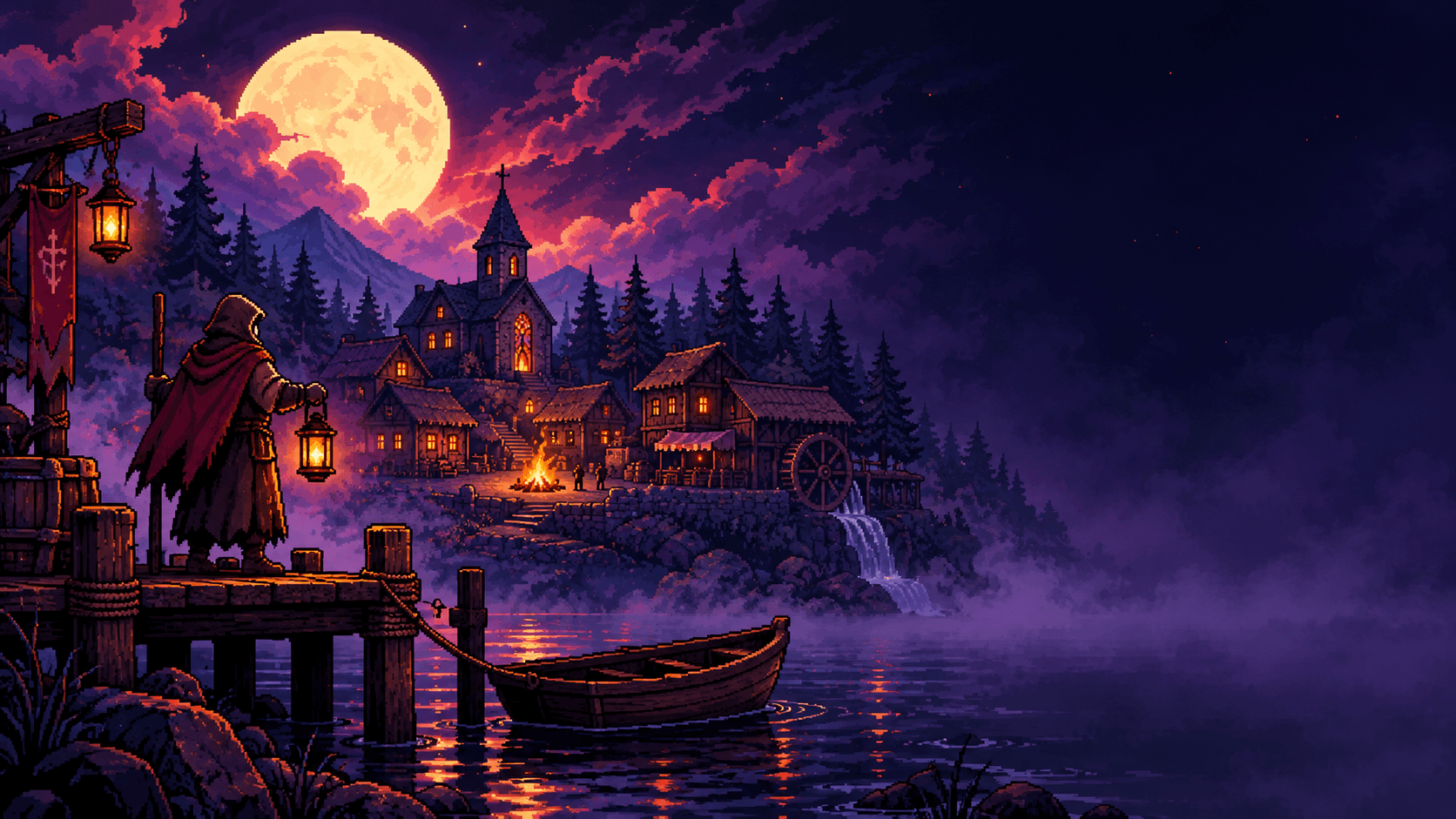
- 4Create your character and board Tomé's barge.
First time on the island? Read the first steps.
Minimum requirements
- Processor
- dual-core, 64-bit
- Memory
- 4 GB
- Graphics
- OpenGL 3.3
- Storage
- 1 GB free
- Network
- stable connection (UDP allowed)
Provisional beta requirements.